Getting connected
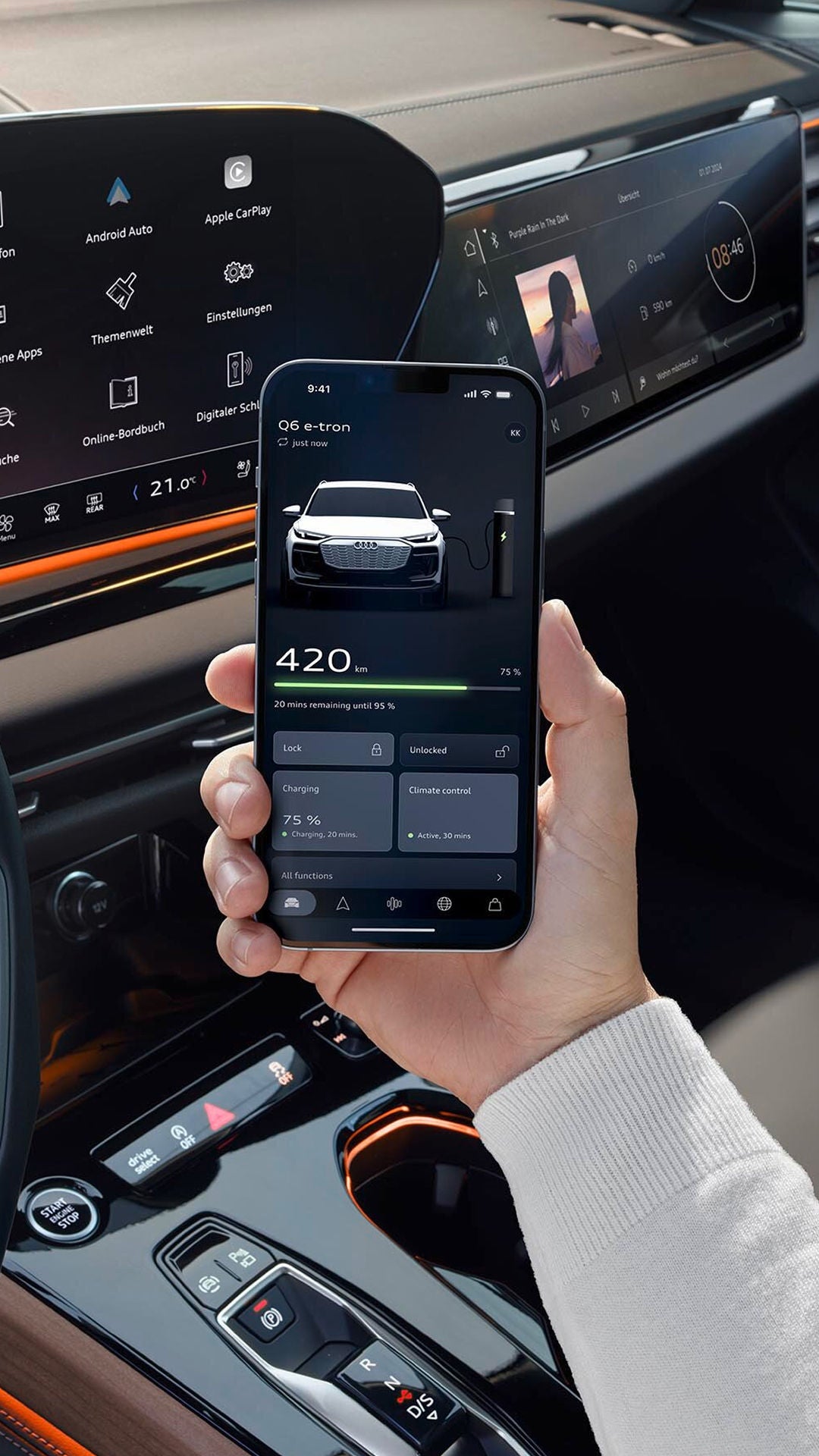
Download the myAudi app and follow the in-app instructions to set up your account and become a key user. Once complete, log in to your car using the same e-mail address and password.
Depending on your car's age, you may also need to enter a ‘vehicle code’ during the login process. This can be found on the key tag you should have received with your vehicle.
You can access the myAudi app and your myAudi profile on audi.co.uk using the same login details.

Need help connecting your car to the myAudi app?
Book a free appointment with an expert at your local Audi Centre to get connected.
A dedicated team, always at hand
We also have a dedicated myAudi team available 24/7 to answer any questions.